Resources
Free website checkHow does your home page do?It loadsSecure (https)Built for phonesTap to callKept up to dateCheck yours in 10 seconds →Straight answers. Free to use.
Plain-English guides, checklists you can print, a glossary, and a free check of your website. Use them whether you work with us or not.
Guides.
Short, practical, and honest about what nobody can promise.
- WebsitesGet found on Google and in AI answersWhat actually helps people nearby find you, and what nobody can promise.5 minute read
- WebsitesWhat to put on your websiteThe few things every small business website needs, and what can wait.4 minute read
- WebsitesOwn your domainYour web address is part of your business. Make sure it's in your name.4 minute read
- WebsitesWhat to ask any web companyQuestions that save you money and trouble, whoever you choose.3 minute read
- BrandsBrand basics for small businessesA logo is part of it. Looking the same everywhere is the rest.4 minute read
- AI agentsReviews, done fairlyHow to get more genuine reviews, and the shortcuts to avoid.3 minute read
- SoftwareWhatsApp for your businessSet up the free WhatsApp Business app so enquiries don't get lost.4 minute read
- WebsitesLeaving a website builderWhat you can take with you, and how to move your domain.5 minute read
Checklists you can print.
Tick them off on paper or on your phone.
- Checklist · 10 things
Before you launch
Run through this before your website goes live.
- It says what you do and where, at the top.
- Your phone number has a tap-to-call link.
- Every page works on a phone.
- and 7 more
- Checklist · 10 things
Your Google Business Profile
A free profile that shows on Google Maps and local results.
- Claimed and verified by you.
- The right main category, plus any others that fit.
- Business name exactly as it is everywhere else.
- and 7 more
- Checklist · 10 things
What to ask any web company
Ask these before you pay anyone for a website.
- Can I see it before I pay?
- What's the total, and what's monthly after that?
- Who owns the site, the design files and the domain?
- and 7 more
The jargon, in a sentence.
The words web people use, said plainly.
- AEO
- Answer engine optimisation: making it easy for AI tools like ChatGPT to understand who you are and what you do.
- Auto-renew
- A setting that renews your domain or plan automatically, so it doesn't lapse.
- Backup
- A saved copy of your website, so it can be put back if something goes wrong.
- Brand
- How people recognise you: name, logo, colours and the way you sound.
- CRM
- Customer relationship management: one place for your customers, enquiries and history.
- Domain
- Your web address, like yourbusiness.co.uk.
- DNS
- The settings that point your domain at your website and email.
- Google Business Profile
- Your free listing on Google Maps and local search results.
- Hosting
- The computer, somewhere else, that keeps your website online.
- HTTPS
- A secure connection. Browsers show a warning when a site doesn't have it.
- Integration
- Joining two tools so they share information, like bookings into your calendar.
- IPS tag
- The code that says which company looks after a .uk domain. Change it to move the domain.
- Landing page
- A single page for one offer or campaign.
- Local SEO
- Helping people nearby find you when they search for what you do.
- Meta description
- The short summary search engines can show under your page title.
- Mobile-friendly
- A website that fits and works on a phone screen.
- Payment link
- A link you send a customer so they can pay online.
- Registrar
- The company you register and renew your domain with.
- Registrant
- The person or business that owns a domain.
- Responsive
- A website that rearranges itself to fit any screen.
- Schema
- Hidden labels on a web page that tell search engines what things are, like your opening hours.
- SEO
- Search engine optimisation: making your website easy for search engines to understand.
- Template
- A ready-made design that many websites share.
- Uptime
- How much of the time your website is online and working.
We'll make you three. Which one's a Keepr?
Three website designs for your business, each with its own brand, in a private showroom. Then add the rest when you're ready.
Free. No card, no call.

Made by Leon and the keepr team in Pontyclun.
A real person checks every design and every message before it reaches you.
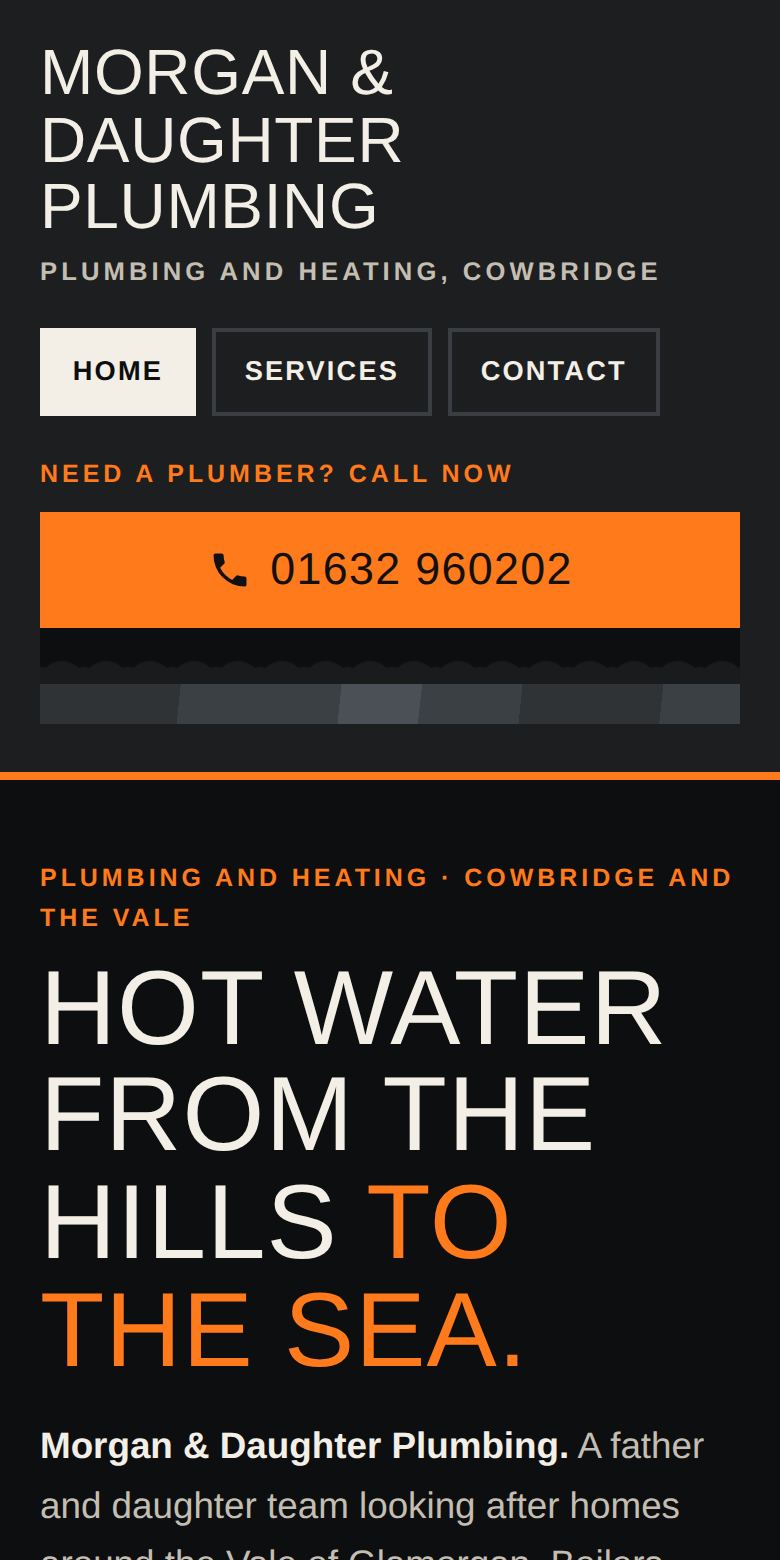
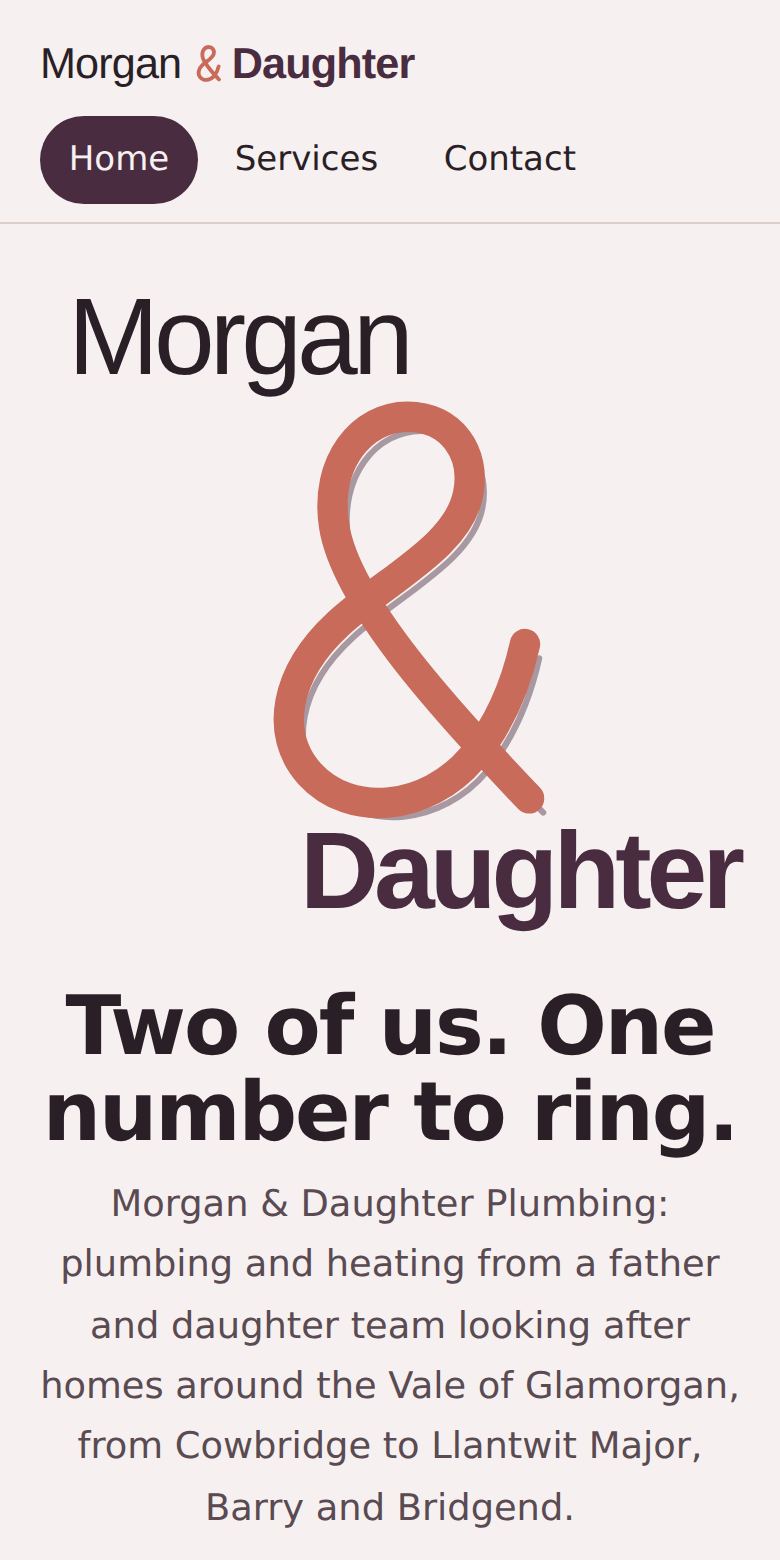
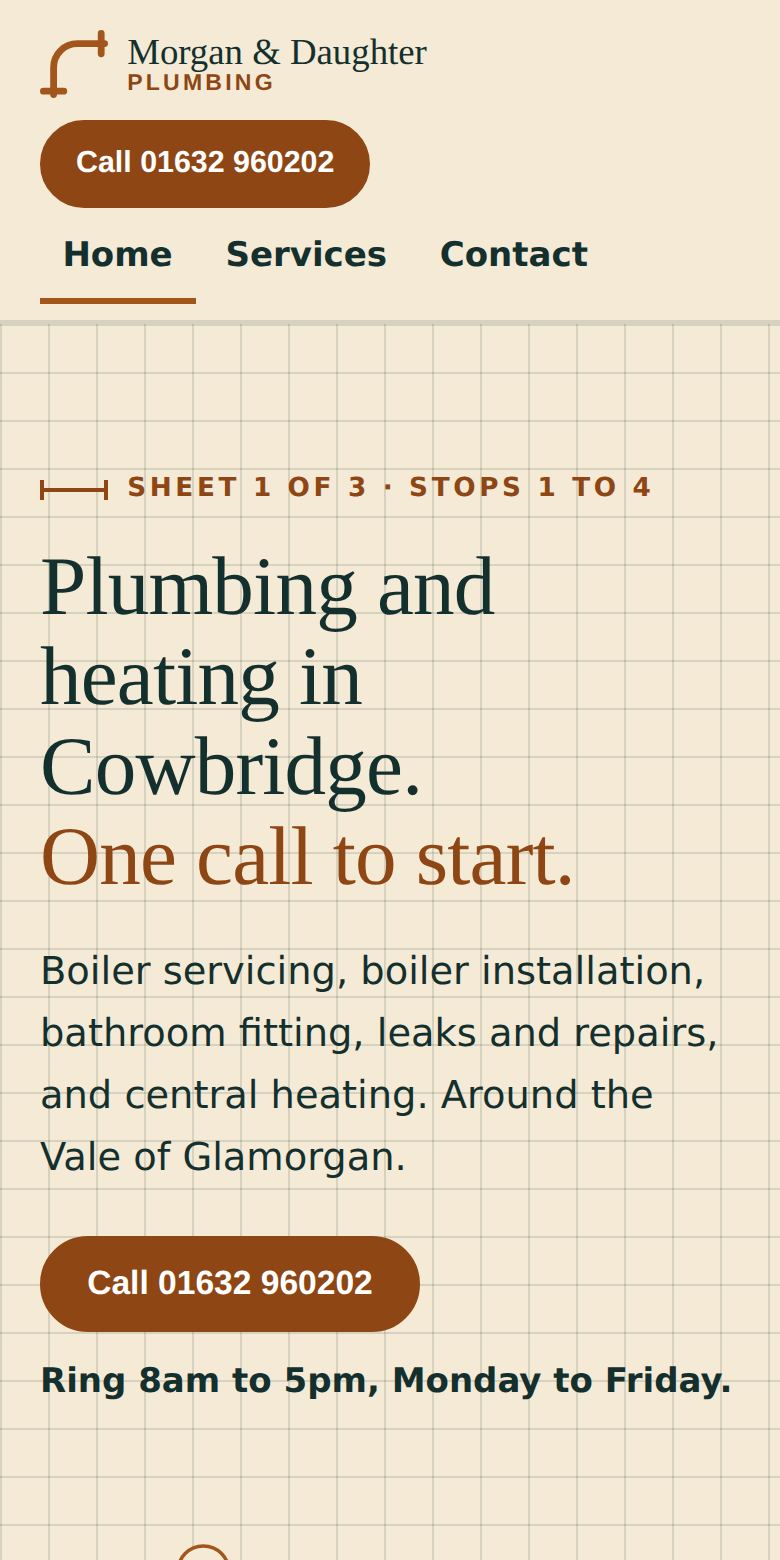
Example designs · Morgan & Daughter Plumbing, fictional